
Collaborate, Present, and Create Without Limits
Digital interactive whiteboards have transformed how teams collaborate, offering innovative features to boost productivity, enhance communication, and streamline workflows. This advanced technology has redefined the modern business environment by improving audio-visual experiences and making remote work more efficient.
Why Choose an Interactive Whiteboard for Your Office?

Real-Time
Collaboration
Interactive displays enable teams to brainstorm, share content, and collaborate live creating a more connected and inclusive work environment.

Enhanced Brainstorming
Teams can draw, write, and manipulate content directly on the screen, making brainstorming sessions more engaging, dynamic, and productive.

Integration with
Platforms
Fully compatible with Microsoft Teams, Zoom, Cisco Webex and more, unifying meetings, video calls, and content sharing on a single, intuitive platform.

Versatile for Meetings & Training
Ideal for presentations, workshops, training sessions, and classrooms. These displays support a wide range of use cases and are adaptable.

Instant Document Sharing
Users can share documents, annotate in real time, and highlight key points with precision—helping teams stay aligned and reduce miscommunication

Improved Engagement
By turning passive meetings into interactive experiences, smart boards foster innovation, boost engagement, and help teams work more efficiently.
Choosing the Right Interactive Display & Whiteboard
Microsoft Surface Hub 3
All-in-one interactive collaboration display designed to power seamless hybrid meetings, real-time teamwork, and immersive Microsoft Teams Rooms experiences.
- Sizes Available: 50-inch and 85-inch models
- Collaboration Tools: Real-time co-creation with Microsoft Teams, Whiteboard, and OneNote; digital linking allows multiple users to annotate simultaneously.
- Video & Camera: AI-enabled Smart Camera with 136-degree ultra-wide field of view keeps all participants in focus.
- One-Touch Join: Instantly start whiteboard sessions or join Microsoft Teams, Zoom, or Webex meetings.
- Best Used For: Hybrid meetings, team brainstorming, workshops, training sessions, and interactive presentations.
- Connectivity & Integration: Easy Microsoft 365 and third-party app integration for smooth content sharing and collaboration across locations.
SMART QX Pro Series
All-in-one interactive display designed to support hybrid collaboration with powerful built-in conferencing and intuitive touch technology.
- Display & Size: Available in 65″, 75″, and 86″ 4K Ultra HD with optical bonded glass for enhanced touch precision
- Collaboration Tools: SMART Ink software for real-time annotations on PDFs, Office files, and browsers; supports multiple users simultaneously.
- Video & Audio: Integrated UHD camera, mic array, and high-quality speakers for professional hybrid meetings.
- Connectivity: Dual USB-C ports with 65W power delivery; compatible with Microsoft Teams, Zoom, Cisco WebEx, and Google Meet.
- Best Used For: Hybrid meetings, training sessions, collaborative workshops, classrooms, and interactive presentations.
- AV Integration: Easily integrates with existing AV systems including Crestron XiO Cloud® and other leading technologies.
Avocor Interactive Displays
Avocor displays combine InGlass touch technology, cloud integration, and high-quality audio to create an interactive collaboration hub for modern hybrid workspaces.
- Touch & Writing: InGlass technology with up to 20 simultaneous touch points for natural, responsive writing and annotation.
- BYOD & Wireless Sharing: Supports Bring Your Own Device workflows and wireless screen sharing from multiple devices.
- Display & Connectivity: Crisp zero-parallax glass with anti-glare and anti-fingerprint coatings; HDMI (4K 60Hz), front-facing guest HDMI, USB touch, and USB hub.
- Audio: Front-facing 30W soundbar delivers clear, powerful audio for conference rooms.
- Software & Hardware Integration: Works with Google, Microsoft, Zoom, RingCentral, and compatible with Logitech, Jabra, HP/Poly devices.
- Best Used For: Hybrid meetings, collaborative workshops, interactive presentations, and training sessions in conference rooms, huddle rooms, or classrooms.
Newline Interactive Displays
Newline Interactive Displays enhance collaboration with advanced touch technology and wireless connectivity making meetings more engaging and productive.
- Touch & Object Recognition: Differentiates between finger, stylus, and palm for seamless writing, drawing, and erasing.
- Embedded Android OS: Operates as a standalone device with apps & software built in.
- Collaboration & Connectivity: Compatible with Microsoft Teams, Zoom, Google Meet, Cisco Webex; supports wireless screen sharing via Newline Cast for up to four devices simultaneously.
- Interactive Software Suite: Offers annotation, drawing, and content-sharing tools for in-room and remote collaboration.
- One-Interface Control: Newline Launch Control lets users access calendars, start meetings, and retrieve files from a single interface.
- Best Used For: Hybrid meetings, team brainstorming, workshops, training sessions, and classrooms where interactive, hands-on collaboration is essential.
Maxhub Interactive Flat Panel
Maxhub Interactive Flat Panels deliver responsive, multi-user collaboration with wireless connectivity and built-in whiteboarding software, making them ideal for dynamic corporate and educational environments.
- Touch Technology: Combines IR and Capacitive Touch for precise, simultaneous multi-user interaction.
- Wireless Screen Sharing: Maxhub Share enables effortless content sharing from multiple devices.
- Built-In Whiteboarding & Android OS: Function independently of PCs with annotation, drawing, and interactive tools.
- Collaboration Platform Integration: Works seamlessly with Microsoft Teams, Zoom, Google Meet, and Cisco Webex.
- Versatile Design: Supports interactive meetings, workshops, training sessions, and classrooms.
- Best Used For: Hybrid collaboration, team brainstorming, educational instruction, and corporate presentations.
Immersive Interactive Displays & Kiosk Solutions
Ford AV’s immersive interactive displays and kiosks turn static information into dynamic, engaging experiences that delight users and elevate real‑world environments.
- Touch & Sensor Interactivity: Incorporates touchscreens, gesture sensors, and motion tracking to create two‑way engagement that responds to user interaction.
- Immersive Visitor Engagement: Ideal for retail product exploration, wayfinding, entertainment, and educational content that invites exploration and personalization.
- Data‑Driven Insights: Built‑in analytics capture user behaviors such as dwell time and interaction patterns to optimize content and layout strategies.
- Centralized Control & Management: Enterprise tools allow updates and promotions to be deployed across multiple locations instantly, with remote monitoring and security.
- Custom Content Activation: Supports motion graphics, educational modules, branded storytelling, and interactive games that elevate user experience.
- Best Used For: Retail showrooms, hospital lobbies, university campuses, museums, wayfinding kiosks, and other high‑traffic environments where immersive digital engagement enhances user experience.
Interactive Displays Across Industries
Featured Interactive Displays & Smart Board Projects

The Oculus at
IAH International Airport
The Oculus captivates travelers with a sweeping LED display that transforms the arrival experience. Ford AV designed and integrated this immersive visual landmark, blending cutting-edge technology with striking, high-impact imagery.
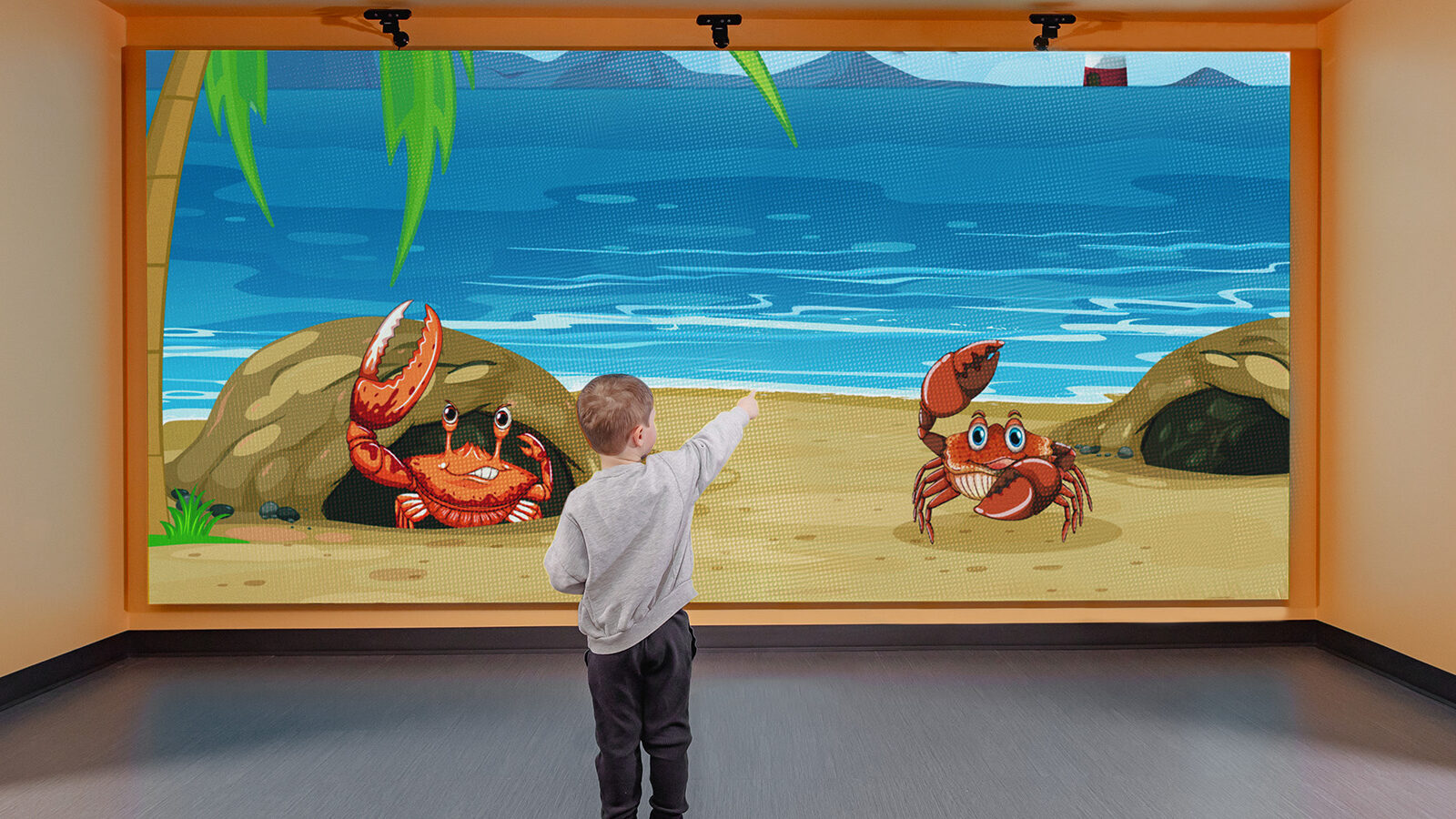
UT Southwestern Medical Center Pediatric Clinic
At UT Southwestern’s Pediatric Clinic, Ford AV’s interactive displays and wayfinding technology are enhancing patient and family experiences by simplifying navigation and delivering engaging digital content throughout the space.
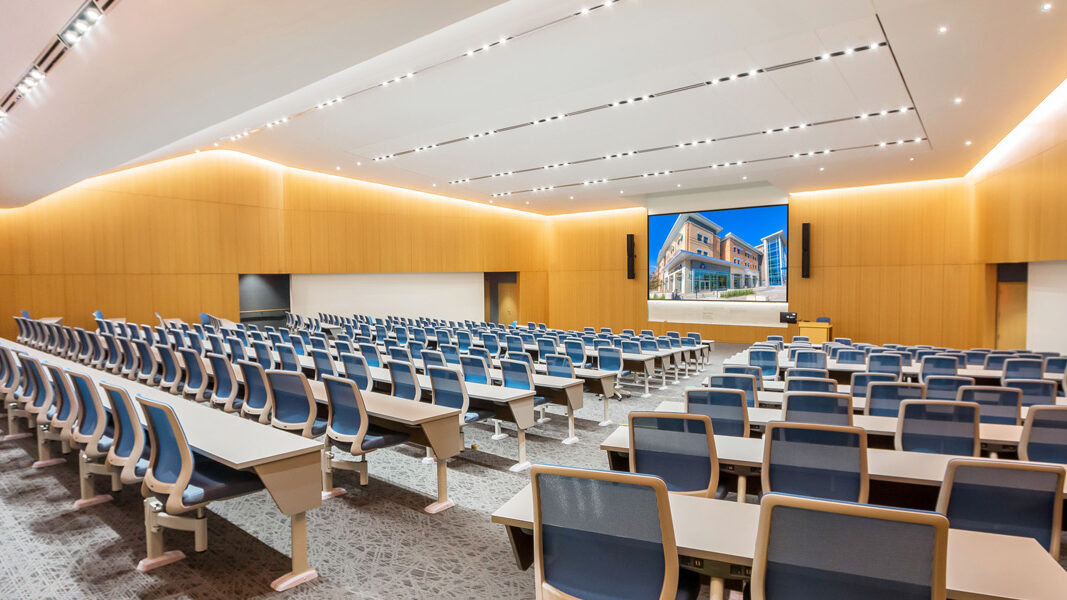
University of Texas
at Arlington
Ford AV equipped UT Arlington’s new Science & Engineering Innovation & Research Building with interactive displays and video technology, enhancing hybrid learning, collaboration, and campus engagement.
Ford AV Locations
Frequently Asked Questions
What is an interactive display or smart board, and how is it used in modern workplaces?
Are interactive smart boards compatible with Microsoft Teams, Zoom, Cisco WebEx, and Google Meet?
What are the benefits of interactive displays for hybrid meetings and remote collaboration?
How do I choose the right interactive display or smart board for my business or classroom?
What industries benefit most from interactive displays and smart board technology?
Let’s Find your perfect interactive display system
Whether you need interactive displays for conference rooms, smart boards for classrooms, or immersive digital collaboration solutions, Ford AV has the expertise, tools, and technology to deliver. Talk to our interactive technology specialists today and transform how your teams connect and collaborate.
Partner with America’s Leading AV Technology Company
50+ Years of Experience – Designing and integrating advanced interactive displays and smart board solutions that enhance collaboration, engagement, and productivity across industries.
Nationwide Integration Services – Local experts supported by a national network for seamless interactive display installation, configuration, and ongoing support.
Comprehensive Collaboration Solutions – From smart boards and touch-enabled displays to wireless sharing, video conferencing, and immersive digital experiences.
Scalable, Future-Ready Technology – Engineered to support hybrid work, evolving collaboration platforms, and flexible room configurations.
Proven Performance Across Industries – Trusted by government facilities, healthcare organizations, universities, corporate offices, and public venues.
Ready to elevate collaboration with interactive displays and smart board technology?