
Double-booked rooms, ghost reservations, and the wrong technology in the wrong space cost your team time every day. Here is how modern meeting room scheduling fixes all three.
Summary
Meeting room scheduling is how organizations reserve, display, and manage meeting spaces so people can find an open room with the right technology. The most reliable approach pairs a meeting room booking system tied to your company calendar with a room display outside every door, so availability is accurate and visible in real time.
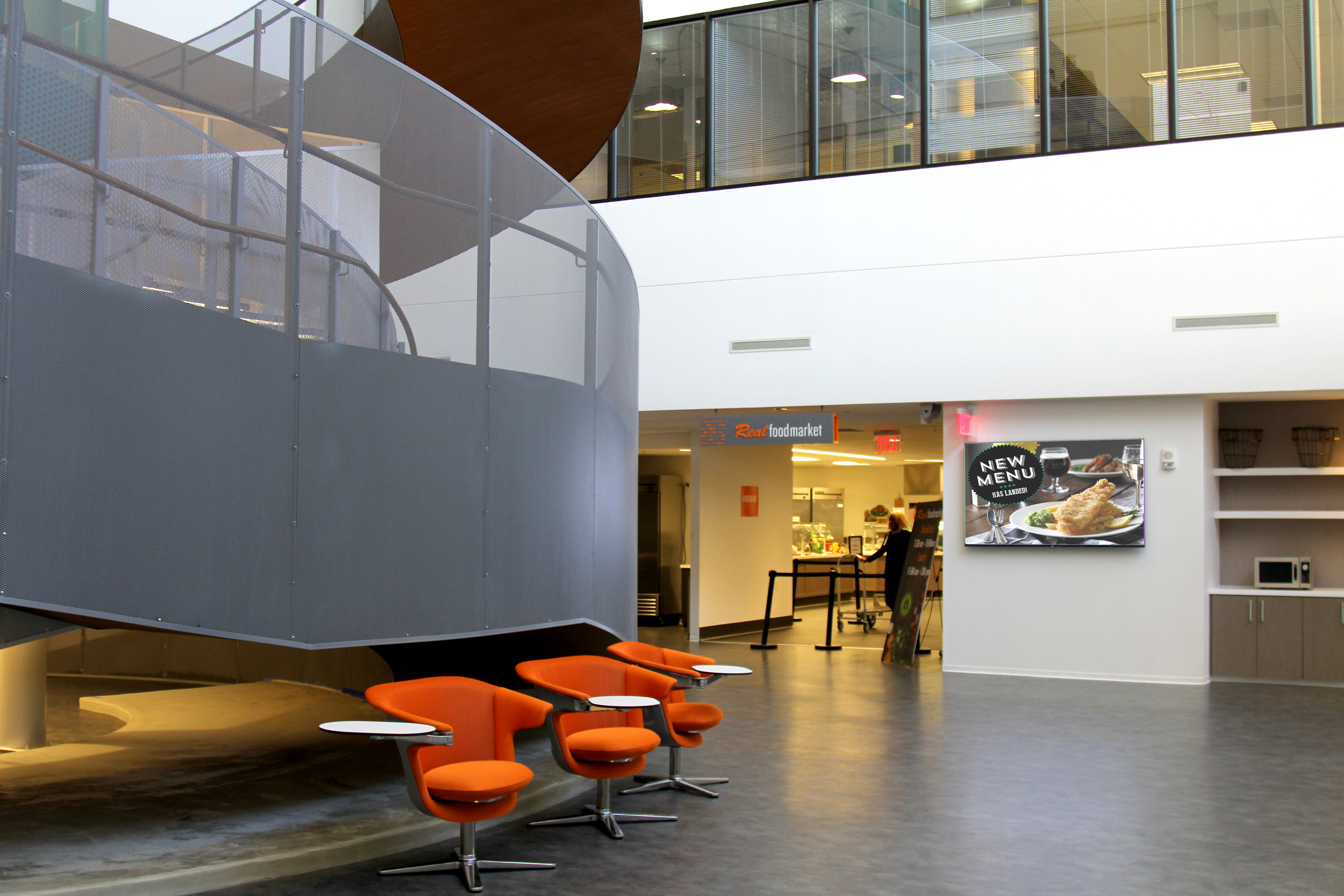
Why meeting room conflicts keep happening
Most meeting room conflicts are not a people problem. They happen when the calendar says one thing and the room says another. Four patterns show up again and again:
Double bookings
Reservations scattered across Outlook, Google Calendar, spreadsheets, and front-desk logs collide.
Ghost bookings
A meeting is canceled or abandoned, but the room stays reserved and nobody can use it.
Mismatched rooms
People book a space without knowing if it has video conferencing or just a speakerphone.
No visibility
Without a display at the door, no one can tell whether “available” really means available.
25–40%
of booked meeting room time goes unused in many offices. Fixing ghost bookings recovers meeting room availability without adding a single room.
Range based on published workplace-analytics and vendor research; results vary by organization.
What a modern meeting room booking system includes
A meeting room booking system is more than a shared calendar. The strongest conference room booking system designs connect software, hardware, and room technology into one experience.
Calendar integration
Rooms sync with Microsoft 365 or Google Workspace, so the room you reserve when scheduling a meeting is the same one shown on the door.
Check-in and auto-release
If no one checks in within a short grace period, often 10 to 15 minutes, the room frees up for the next team.
Utilization analytics
Booking and occupancy data reveal which rooms are overused, which sit empty, and where to invest next.
Ford AV designs and integrates all four layers as part of our room scheduling solutions, alongside the AV inside the room itself.
Real-world example: how RealPage simplified meeting space management
When RealPage moved its headquarters to Richardson, Texas, and remodeled an older building for nearly 1,500 employees, it set out to fix a familiar frustration.
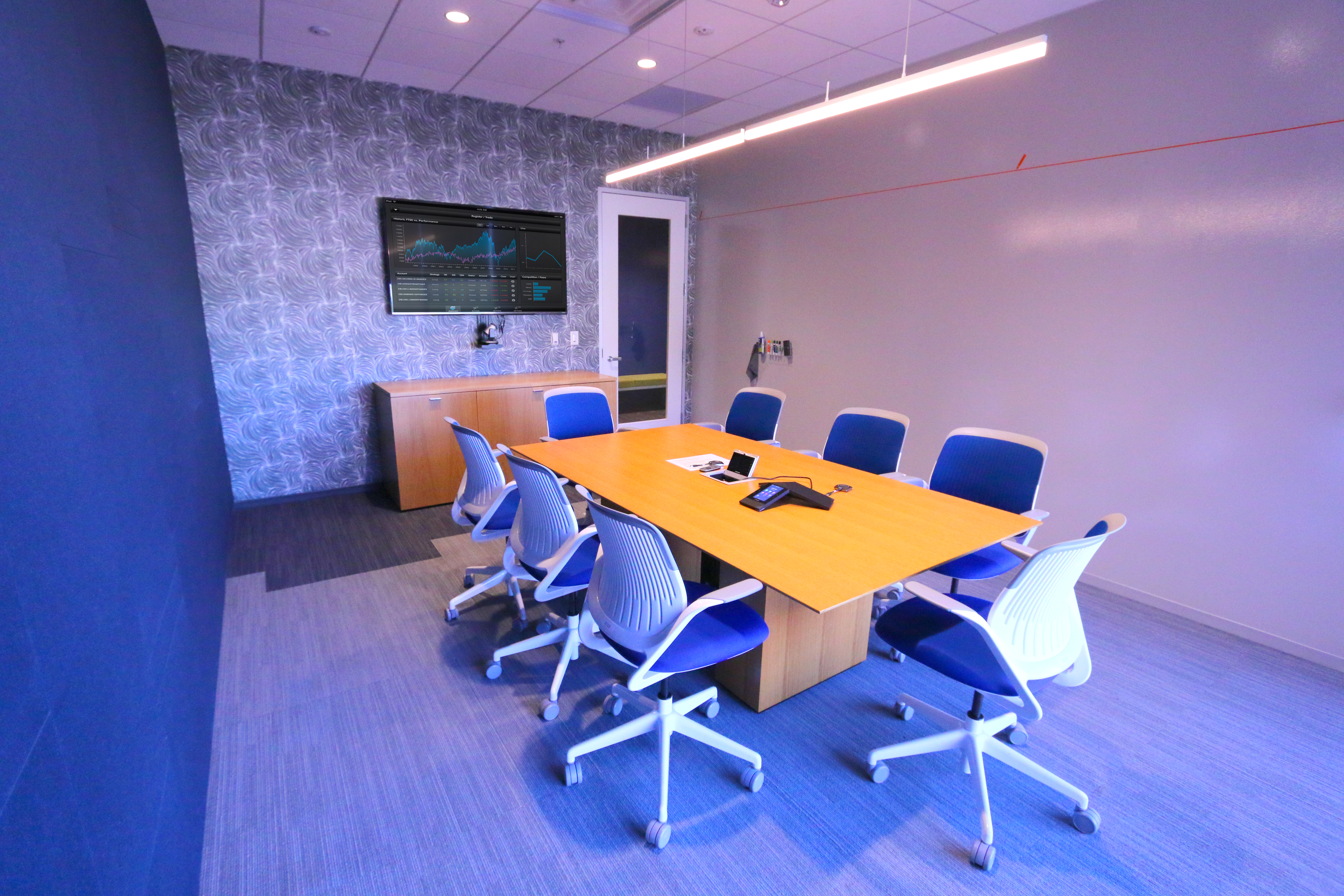
“Though we had extensive technology in our old offices, our employees often didn’t know what technology was available in each room or how to take full advantage of it before booking the space.”
Christina Hayes, Manager of Employee Experience, RealPage
The new building solves it with three simple ideas:
- Clear room types. A naming system sorts every room into a few categories, so the name shows both the location and the technology level, from a speakerphone to a full video collaboration setup.
- A touch panel at every door. Each panel connects to the company-wide Outlook calendar. It shows whether the room is occupied and for how long, and lets people grab an open room for a spontaneous meeting.
- Presence sensing. Lighting and other routine settings adjust automatically, so participants focus on the agenda instead of the equipment.
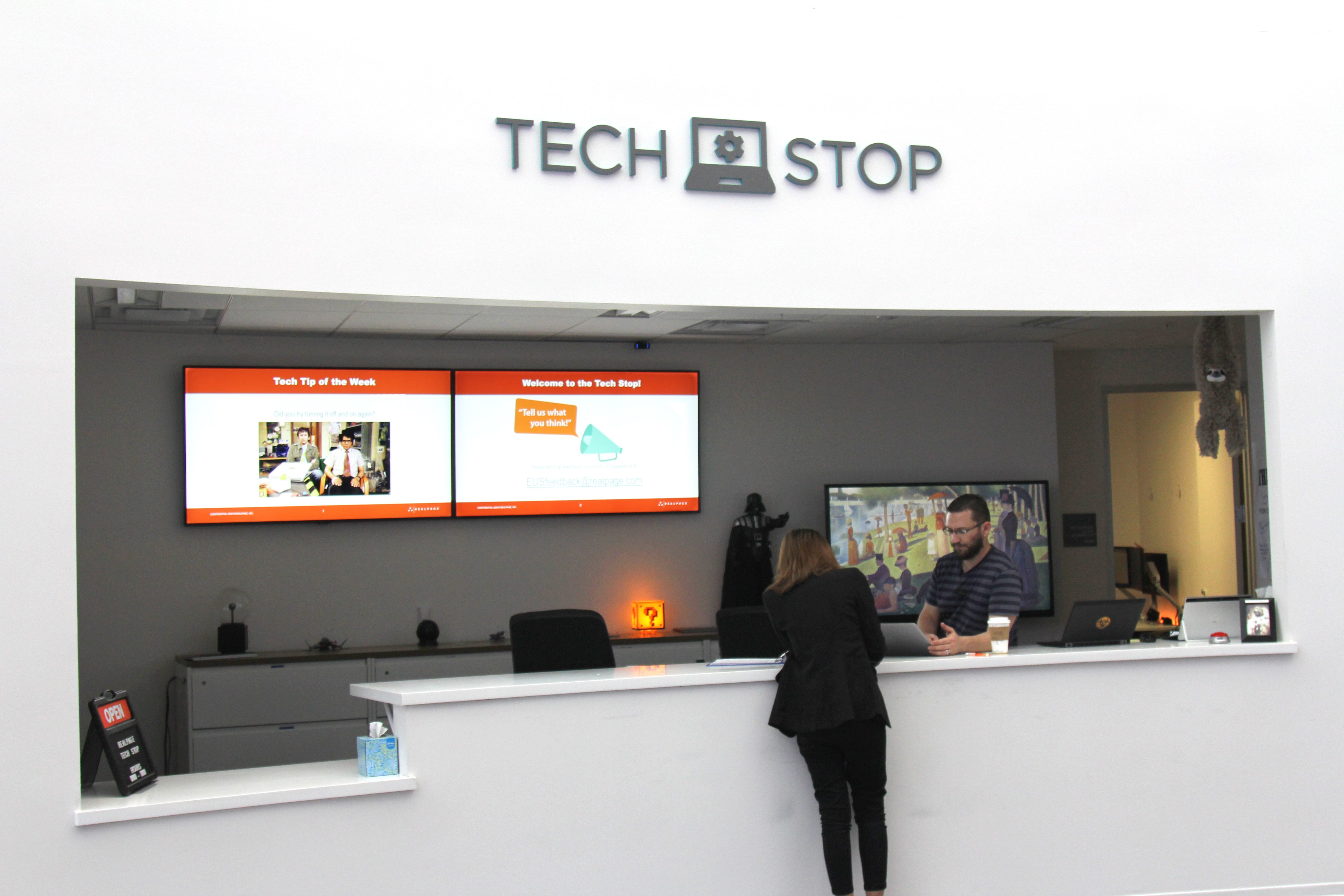
The takeaway: good meeting room management starts before the booking. People need to know what a room offers, whether it is free, and that the technology will simply work.
Five meeting room management best practices
Standardize room types
Name rooms by size and capability, such as Huddle, Collaboration, and Boardroom.
Make status visible
Put a display outside every room so the schedule is never a guess.
Turn on auto-release
Require check-in and reclaim rooms from no-shows automatically.
Set booking rules
Define advance windows, recurring limits, and buffer time between meetings.
Review the data
Check utilization quarterly and adjust your room mix to match how people really meet.
Choosing meeting room booking software: questions to ask
Whether you are comparing a conference room scheduling system or building one from the ground up, start with these questions:
- Does it integrate with our calendar and our room platforms, such as Microsoft Teams Rooms or Zoom Rooms?
- Can people book from a room display, a desktop, and a phone?
- Does it support check-in, auto-release, and no-show reporting?
- Does it show room capacity and equipment before someone books?
- Will it scale across floors, buildings, and locations?
- Who installs, supports, and monitors the displays and software?
That last question matters most. A room scheduling system works best when it is designed together with the room’s AV, network, and control system, which is where an experienced integrator makes the difference.
Frequently asked questions
How do you prevent meeting room conflicts?
What is the difference between a room booking system and a room reservation system?
Do we need to replace our calendar to add room scheduling?
Does room scheduling work with Teams Rooms and Zoom Rooms?
Ready to End Meeting Room Conflicts?
Ford AV designs, installs, and supports room scheduling and meeting room technology nationwide, backed by 50+ years of experience.
Keep Reading
Microsoft Teams Rooms
Platform-ready meeting spaces.
AV Control Systems
One interface for AV, lighting and shades.
Managed Services
Proactive monitoring and support.