
Meeting Magic with Microsoft Teams Rooms
Microsoft Teams Rooms (MTR) transform meeting spaces into standardized, Microsoft-native collaboration environments where in-room and remote participants can connect easily.
As a certified Microsoft Teams Rooms integrator and Managed Services partner, Ford AV designs, deploys, and supports scalable MTR solutions that deliver a consistent meeting experience across all room types—from huddle spaces to executive boardrooms. By integrating professional AV, room control, and automation with Microsoft Teams, Ford AV enables reliable hybrid collaboration while providing nationwide deployment, monitoring, and full lifecycle support.
Benefits of Microsoft Teams Rooms

Reliable Meetings
in Any Space
Deliver a consistent Teams experience across all meeting spaces.

Simple, Intuitive
Room Control
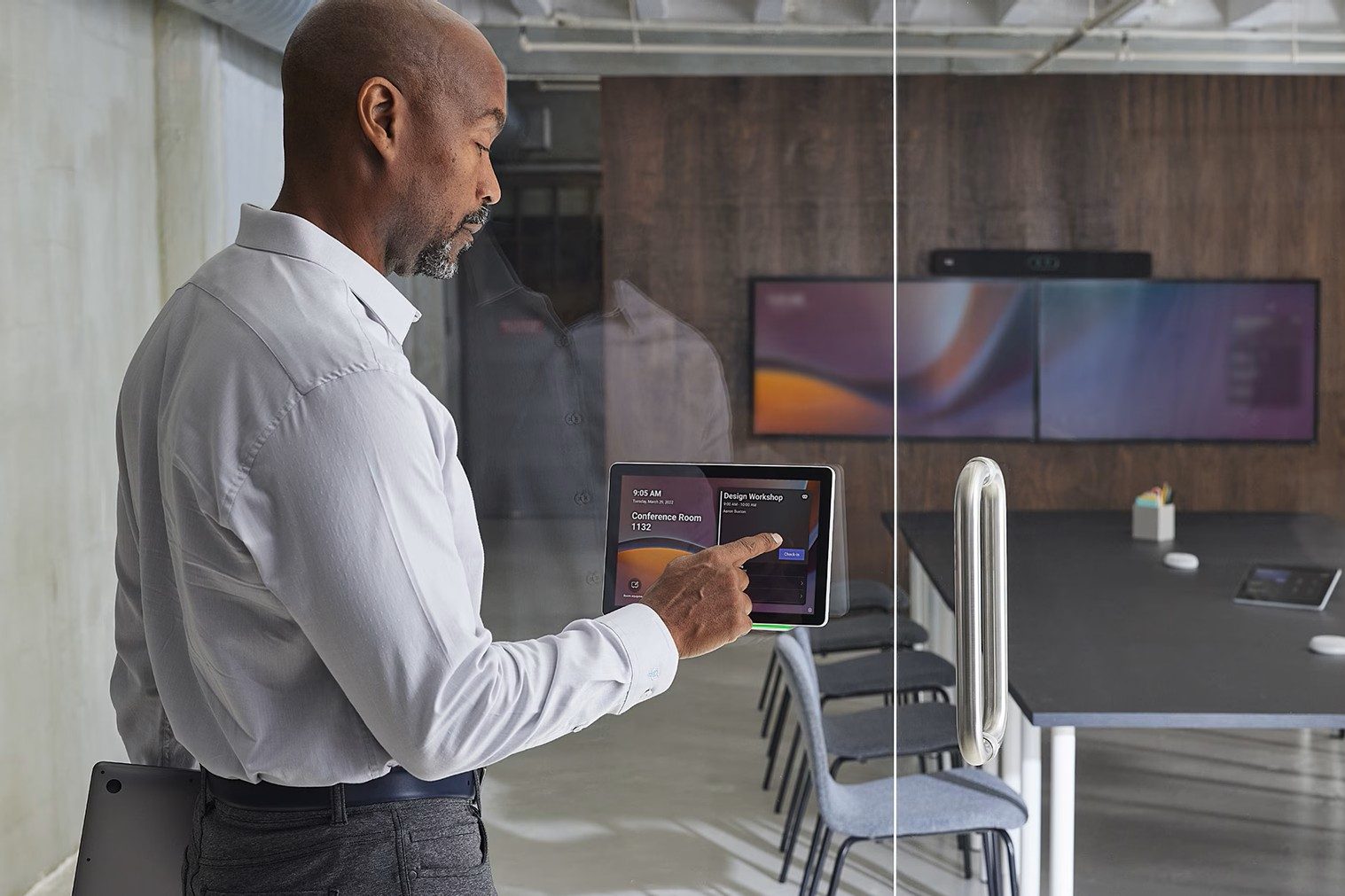
Simplify meeting join with simple one-touch control.

Professional-Grade Audio and Video
Improve meeting equity with optimized audio and video.

Multi-Site Teams Room Expansion
Scale Meet Rooms across single or multi-location organizations.

Proactive Monitoring and Support
Reduce IT workload with centralized management.

Secure Enterprise System Integration
Integrate seamlessly with Google Meet and other enterprise networks.
Why Choose Microsoft Teams Rooms?
Microsoft Teams Rooms is built as a native extension of the Microsoft 365 ecosystem, providing a standardized, secure, and manageable collaboration platform for organizations of any size. Rather than adding complexity, Teams Rooms aligns meeting spaces with the same tools, identities, and policies already used across the enterprise.
Native Microsoft 365 Integration
Teams Rooms connects directly to Microsoft Entra ID, Outlook, and Teams, simplifying user authentication, room scheduling, security enforcement, and policy management.
Consistent Experience Across Room Types
A consistent Teams interface in huddle rooms, conference rooms, and executive spaces reduces user confusion, training needs, and meeting start delays.
Enterprise-Grade Security and Compliance
Built on Microsoft’s security framework, Teams Rooms supports enterprise requirements for identity management, data protection, and compliance across meeting spaces.
Centralized Device Management
IT teams can monitor, update, and manage Teams Rooms devices through the Microsoft Admin Center, improving reliability while reducing support workload and downtime
Microsoft Copilot in Teams Rooms
Microsoft Copilot extends AI-powered intelligence into physical meeting spaces, transforming Microsoft Teams Rooms from simple meeting environments into intelligent collaboration platforms that actively support decision-making and follow-through.
- AI-Generated Meeting Summaries – Copilot automatically captures key discussion points, decisions, and outcomes, helping teams stay aligned without relying on manual note-taking.
- Automatic Action Item Identification – By identifying tasks and next steps in real time, Copilot reduces post-meeting follow-up work and improves accountability.
- Contextual Question Answering – Participants can ask Copilot questions during or after meetings, with answers drawn from the meeting conversation, shared content, and Microsoft 365 data.
- Improved Inclusion for Hybrid Participants – Shared summaries and insights ensure remote and in-room attendees have equal access to meeting outcomes and context.
- Reduced Administrative Overhead – Automating documentation and information retrieval allows meetings to remain focused on collaboration, problem-solving, and decision-making.
With Copilot, Teams Rooms become more than a meeting space, they become intelligent collaboration hubs.
Signature Microsoft Teams Rooms
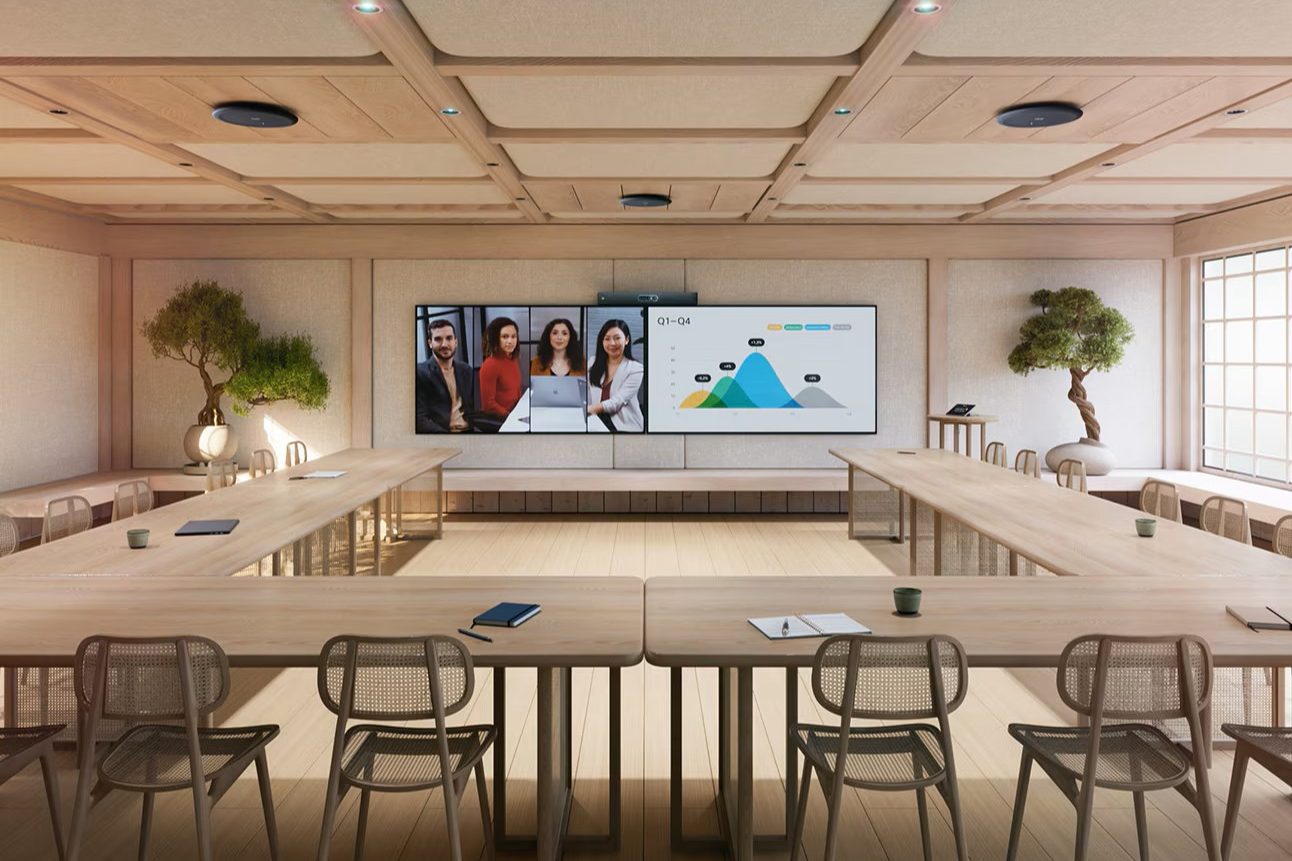
Signature Microsoft Teams Rooms are purpose-built, immersive meeting environments designed to deliver equitable hybrid collaboration for executive, strategic, and client-facing meetings. These spaces extend Microsoft Teams beyond standard conference rooms by combining architectural design, acoustics, and advanced AV integration to create a more natural and engaging experience for both in-room and remote participants.
Key elements of a Signature Teams Room include:
Front Row Layout with Ultra-Wide Displays
A 21:9 ultra-wide display places remote participants at eye level, creating a more natural sense of presence.
Curved Seating and Room Geometry
Purposeful seating layouts and room design promote direct sightlines and organic interaction.
AI-Powered Cameras and Spatial Audio
Intelligent cameras enable dynamic framing and natural eye contact, while spatial audio improves voice localization throughout the room.
Integrated Architectural and AV Design
Signature Rooms require close coordination between AV systems, acoustics, lighting, and room architecture for consistent performance.
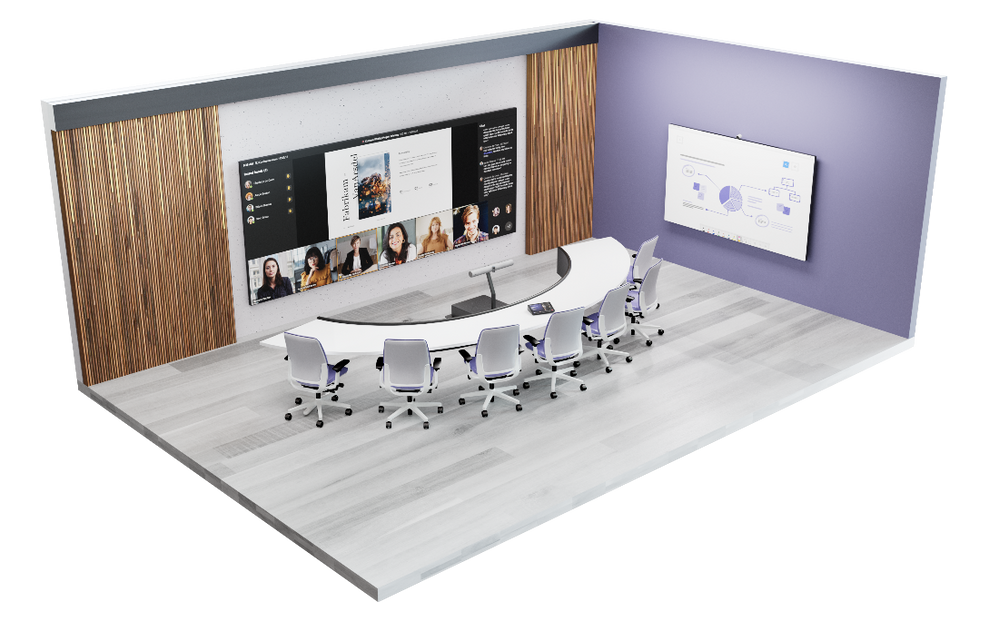
With extensive experience designing and deploying Microsoft-aligned Signature Teams Rooms, Ford AV delivers end-to-end solutions—from concept and design through integration and support—ensuring these spaces perform as intended. Signature Teams Rooms are ideal for executive meetings, strategic collaboration, and high-impact client engagements.
Microsoft Teams Rooms Certified Hardware
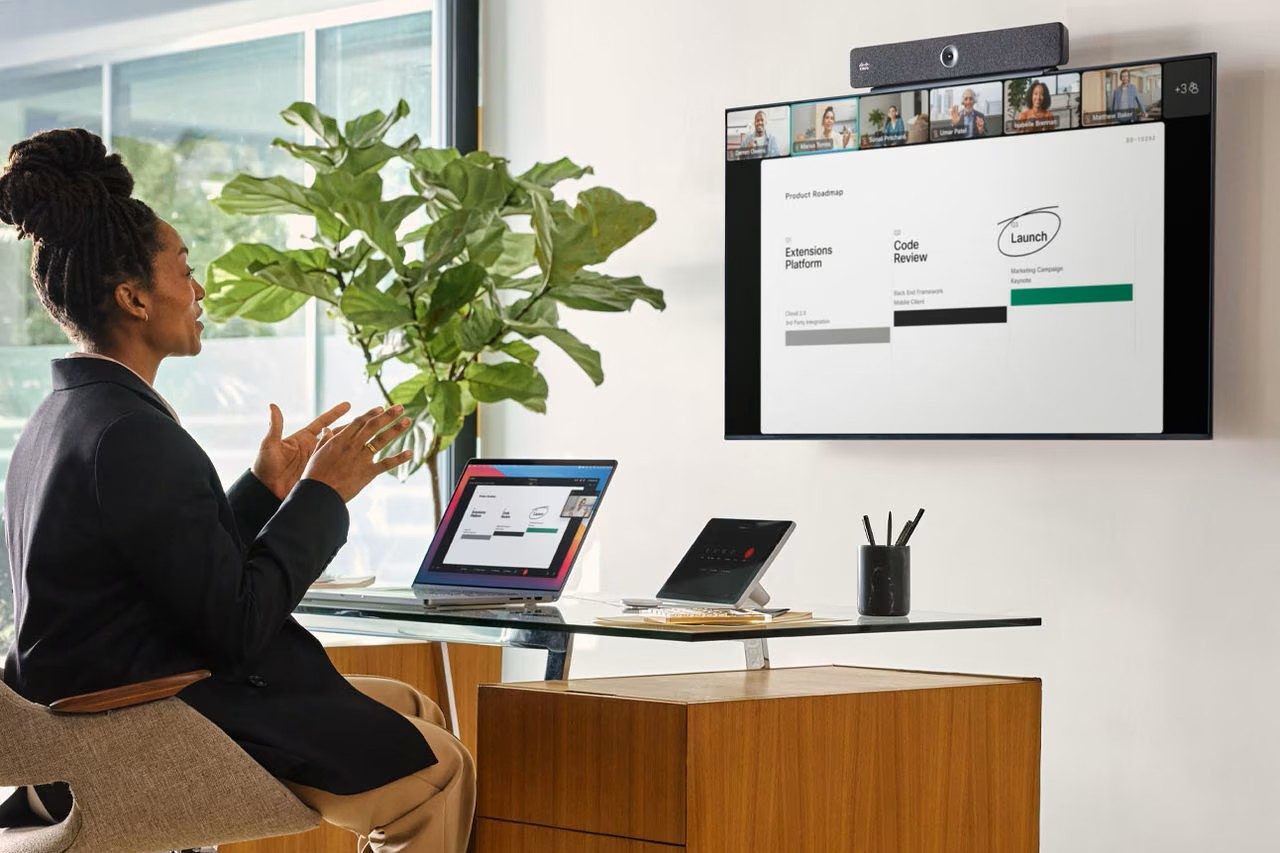
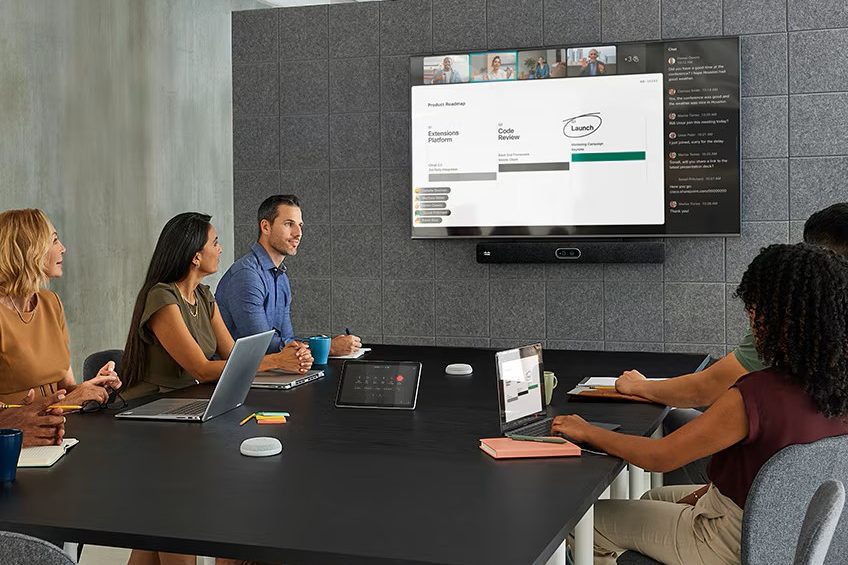
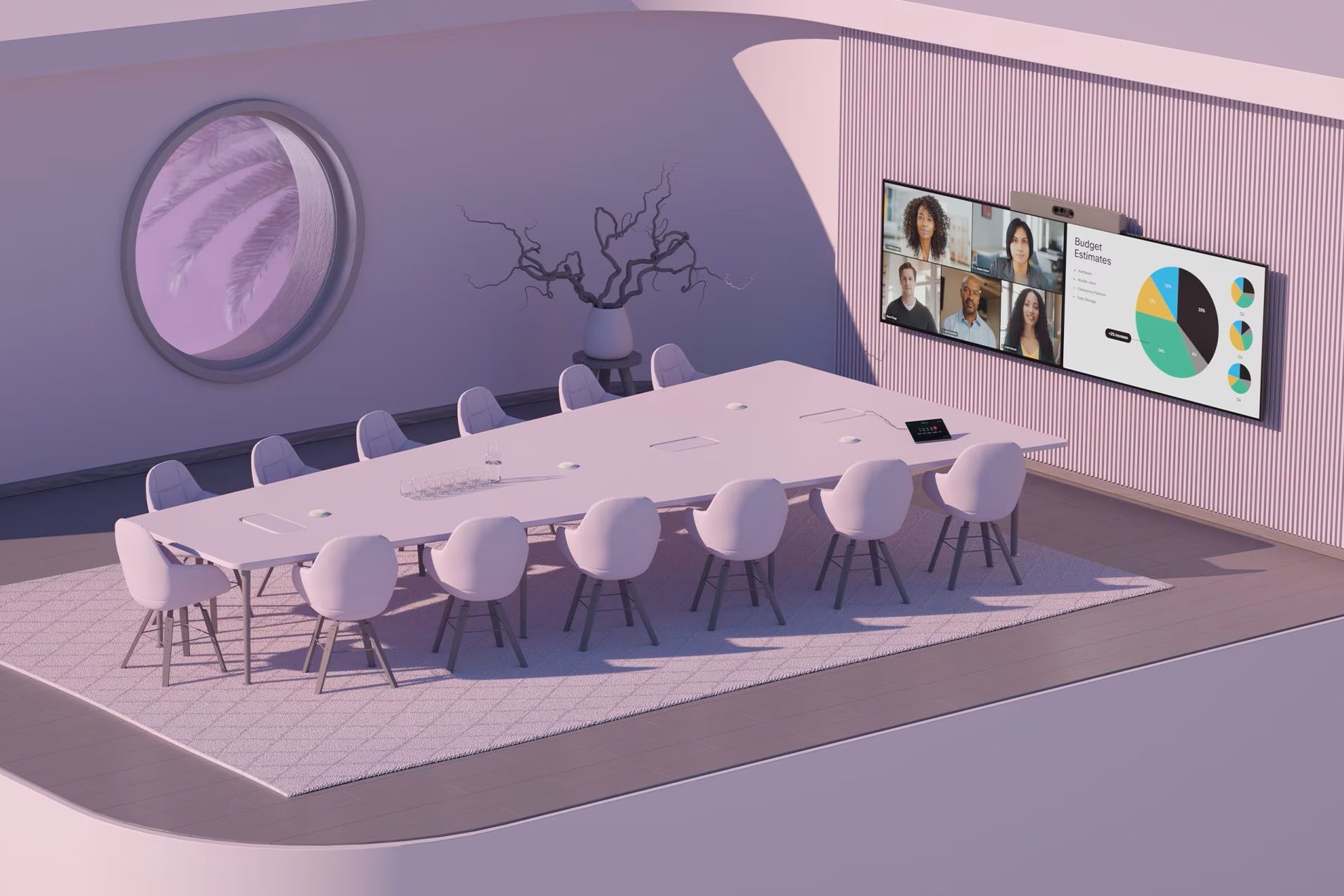
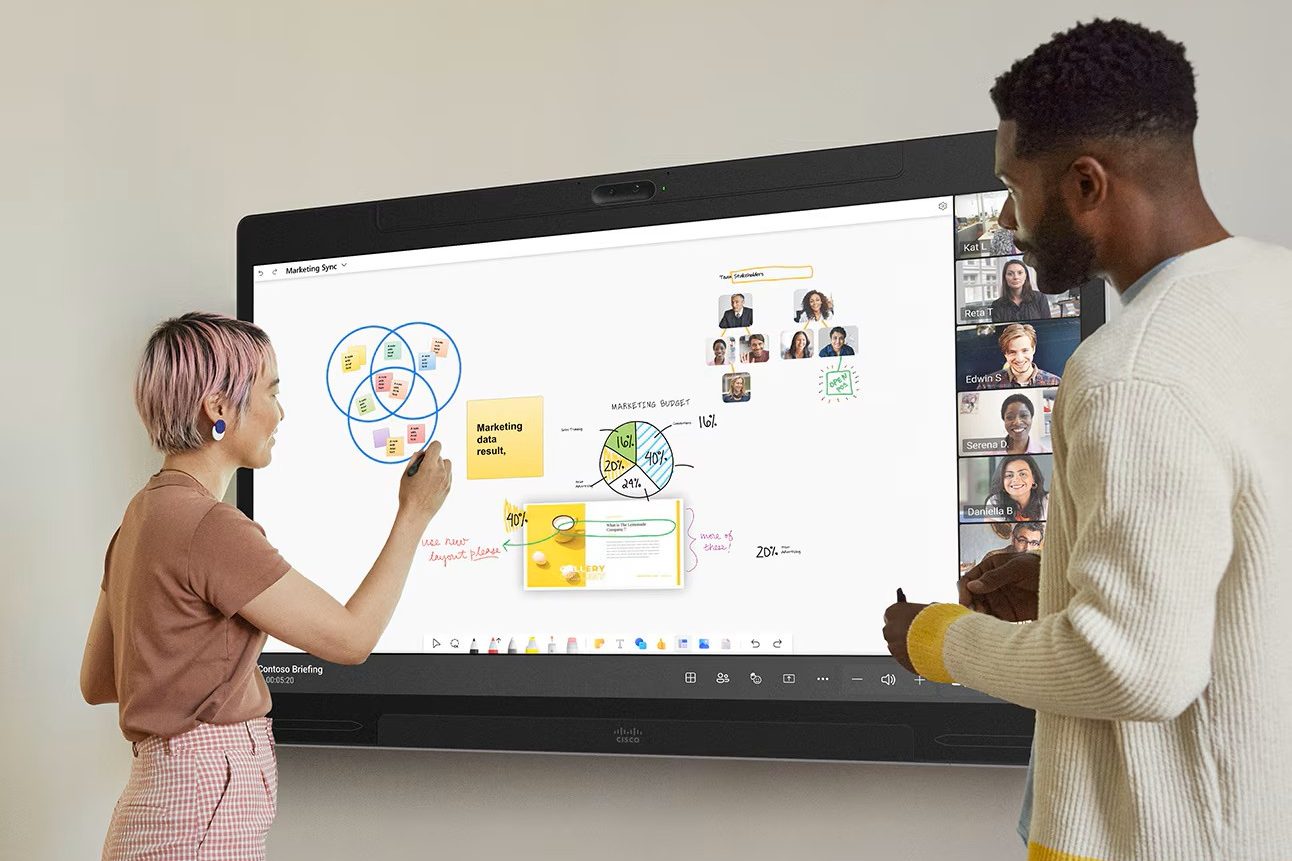
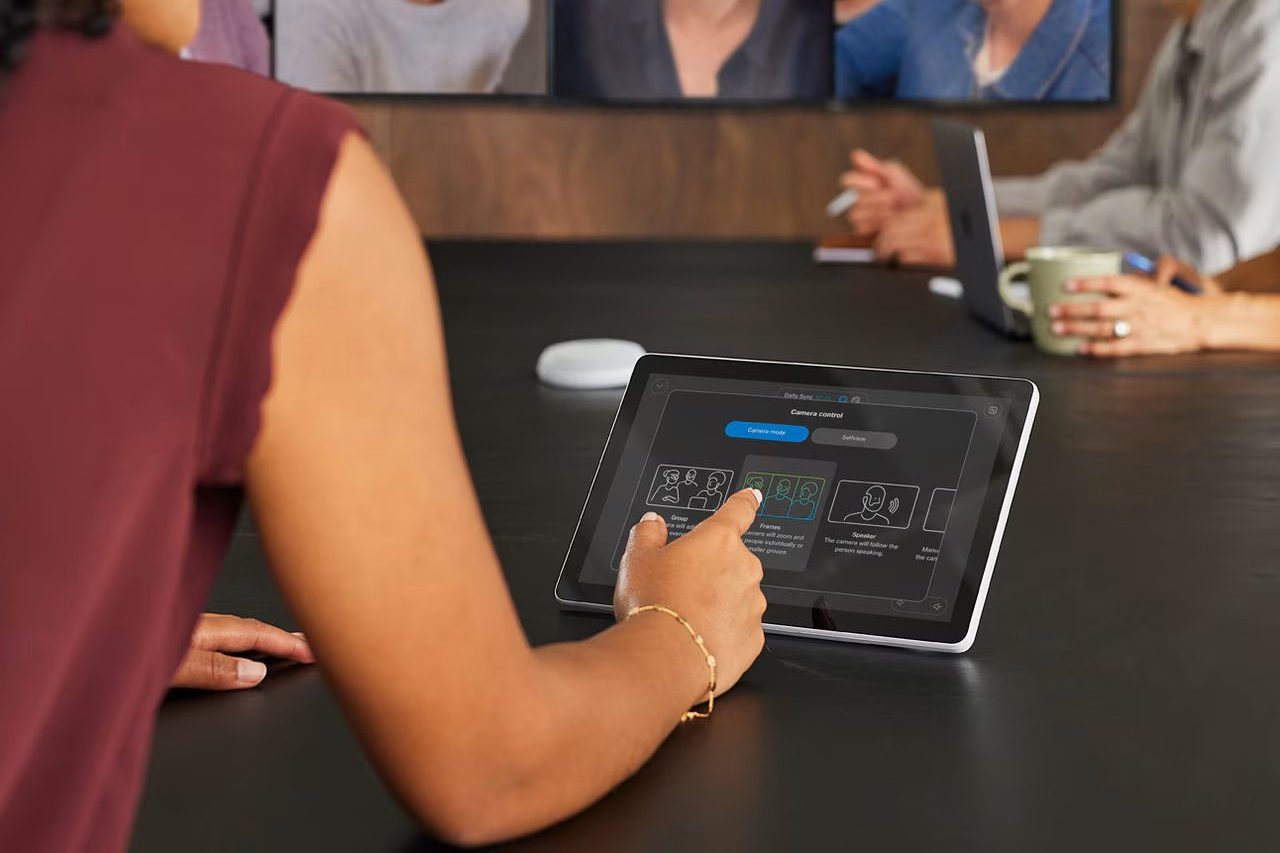
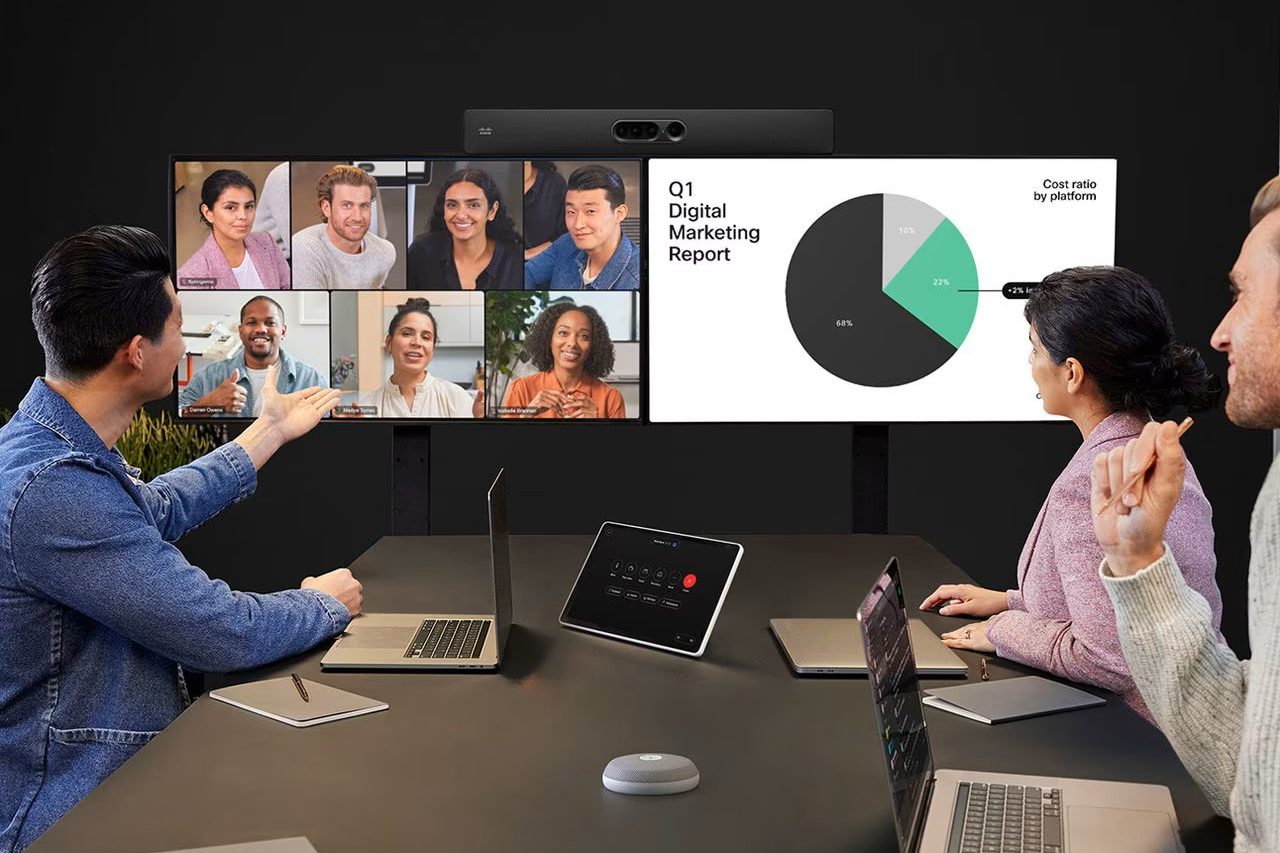
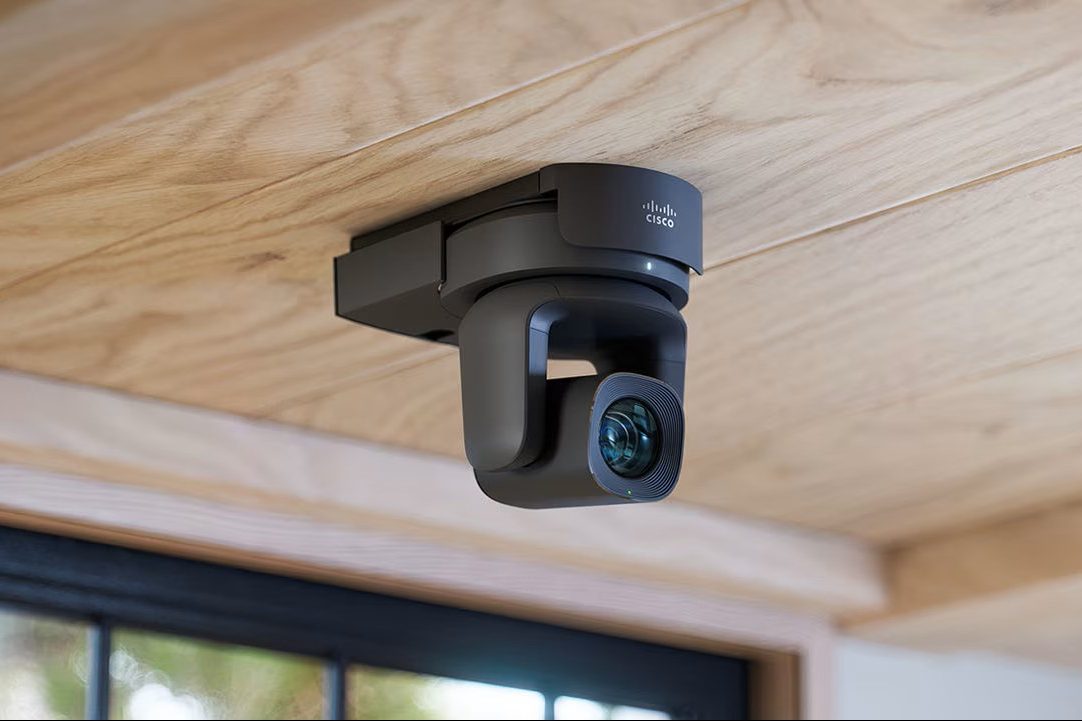
Ford AV integrates a complete ecosystem of Cisco Certified for Microsoft Teams Rooms hardware, enabling secure, intelligent, and native Microsoft Teams collaboration experiences across conference rooms, training spaces, boardrooms, and hybrid work environments. Cisco’s Microsoft Teams Rooms solutions combine enterprise-grade video conferencing performance with Microsoft Teams interoperability, delivering consistent user experiences and simplified meeting workflows.
Trusted Cisco Microsoft Teams Rooms (MTR) Hardware Solutions
Ford AV designs and deploys Microsoft Teams Rooms using Cisco-certified collaboration technologies.


Tailored Microsoft Teams Rooms for Every Space
Every room presents unique collaboration requirements. Ford AV designs Microsoft Teams Rooms solutions that align room size, use case, and technical needs while maintaining a standardized, Microsoft-native experience across the organization.
Huddle Rooms
Compact, turnkey Microsoft Teams Rooms systems designed for fast deployment and informal collaboration.
Conference Rooms
Standardized Microsoft Teams Rooms integrations built for reliable, day-to-day collaboration with 6–12 participants.
Executive Boardrooms
Large, high-impact Microsoft Teams Rooms environments built for leadership-level video conferencing solutions.
Training Rooms
Scalable Microsoft Teams Rooms solutions for training, collaboration, hybrid learning, and multi-purpose use.
Managed Microsoft Teams Rooms Services
Ford AV delivers end-to-end services to ensure your Microsoft Teams rooms perform reliably throughout their lifecycle.
Consultation & System Design – Ford AV works with stakeholders and IT teams to assess requirements, standardize room designs, and align Teams Rooms deployments with organizational workflows and infrastructure.
Certified Installation & Integration – Microsoft Teams Rooms–certified technicians handle installation, configuration, and integration of AV, control, and network components to ensure reliable performance from day one.
User Training and Adoption – Structured onboarding and training help users quickly adopt Teams Rooms, reducing support requests and improving meeting consistency across the organization.
Lifecycle Management and Support – Ongoing lifecycle services include proactive monitoring, firmware and software updates, performance optimization, and issue resolution to maintain system health.
Remote Monitoring via AVRMM – Ford AV’s AVRMM platform provides real-time system visibility, alerts, and remote troubleshooting to reduce downtime and support IT teams with proactive management.
Featured Microsoft Teams Rooms Projects
AT&T Headquarters
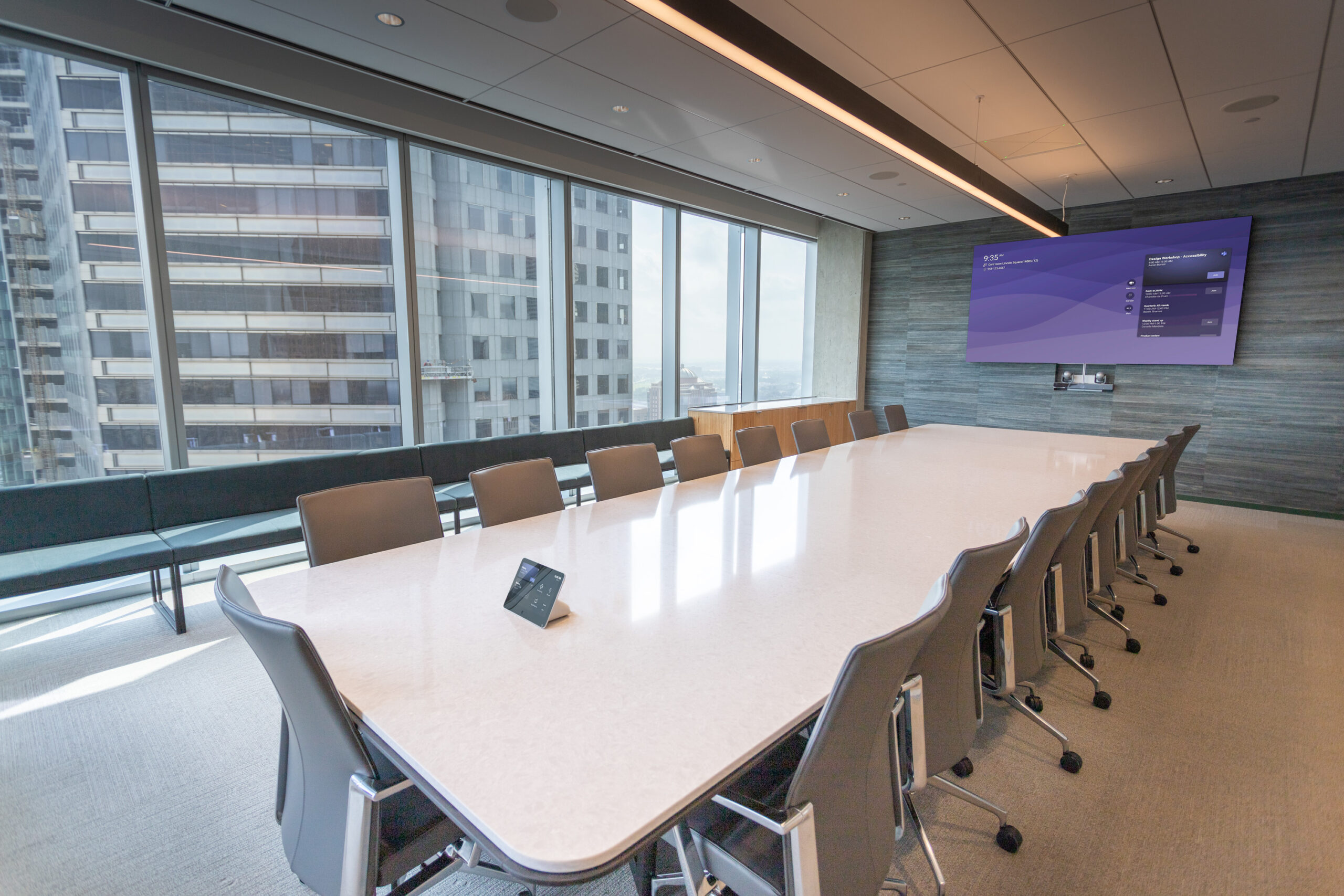
AT&T’s 37th‑floor studio integrates advanced collaboration spaces featuring meeting‑ready conference rooms with pro‑grade cameras, control systems, and video communication…Project Profile
Indeed
Ford AV partnered with Indeed to deploy consistent, global AV systems, including video conferencing integration in huddle to executive spaces, enabling hybrid collaboration worldwide…Project Profile
Beaumont Crime Center
Ford AV deployed a standardized video conferencing room in the City of Beaumont’s Real-Time Crime Center, enabling secure collaboration and real-time decision-making…Project Profile
Ford AV Locations
Microsoft Teams Rooms Photo Gallery
Start Your Teams Room Transformation
Ford AV is a Microsoft Gold Partner and Microsoft Teams Rooms Managed Services Partner, delivering enterprise-grade Microsoft Teams Rooms solutions backed by decades of professional AV integration experience. We design, deploy, and support standardized Teams Rooms environments that scale reliably across single sites or nationwide organizations.
Partner with America’s Leading AV Technology Company
Certified Microsoft Expertise – Gold Partner status and Teams Rooms Managed Services capabilities ensure Microsoft-native design, deployment, and ongoing support.
50+ Years of AV Integration Experience – Proven delivery of complex, enterprise-scale audiovisual systems across diverse environments.
Nationwide Deployment Capability – Local teams supported by a national service network for consistent installation, rollout, and lifecycle support.
Multi-Industry Experience – Trusted by Fortune 500 companies, higher education, government, healthcare, and other mission-critical organizations.
End-to-End Teams Rooms Services – From room standardization and AV integration to monitoring, management, and long-term optimization.
Ready to modernize your meeting spaces with Microsoft Teams Rooms?